Cancellation flows
Listen first. Cancel always works.
The problem
Most cancel flows argue with the customer.
01
Offers before listening
A lost job gets a discount pitch. A double charge gets a survey.
02
Discounts nobody needed
Blanket offers buy back people who were staying anyway.
03
Exits that hide
Unkind, and a legal risk in California, New York and the EU.
How it works
What Tenure does, step by step.
01
Listen before offering
Hardship gets no offer, just one kind line. Billing trouble holds every offer and emails you. How-to questions get a help card.Customer clicked cancel
What’s the main reason you’re leaving?
Optional. “Cancel now — skip the questions” is always on screen.
“How do I export everything first?”
A how-to questionShows one help card you published. Not counted as a save.
“I lost my job this month.”
HardshipNo offer, no question. One kind line, then the exit.
“You charged me twice.”
Billing troubleEvery offer held. Cancel goes through. You get an email.
Read once, before any offer is chosen02
One offer at most
A discount only on their own words about price, and last.PauseLower planCreditExtra usageMore trial timeYearly: monthly at renewalYearly: partial refundTheir reasonIt’s too expensive
“Just the two of us use it now.”
The one offer
Switch to Basic at renewal
From your published plan, within your limits
Not shown this time- Pause
- Credit
- Discount: only on their own words about price, and last
No second offer in this visit
03
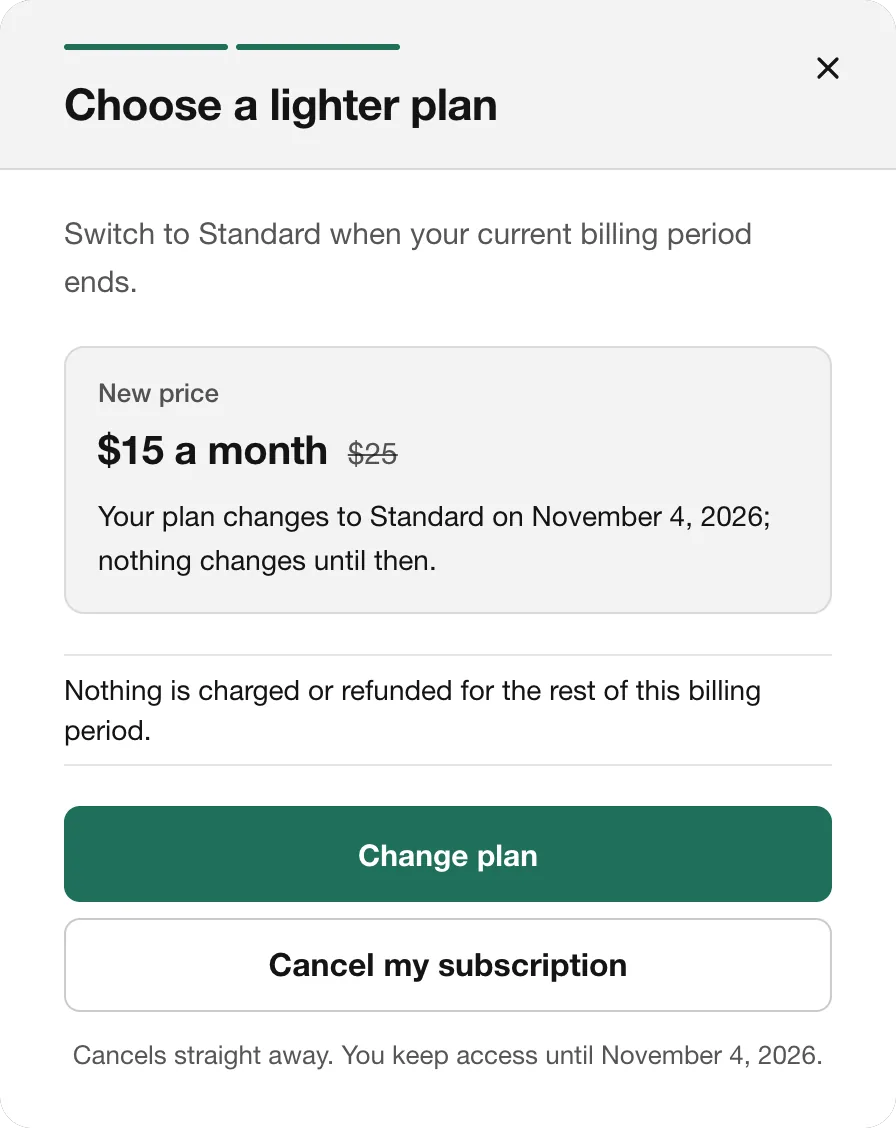
Switch plans at renewal
“Nothing changes until then.” Stripe or Chargebee schedules it with no proration. It counts as kept only when the new plan's renewal is paid.One offer, from your published planSwitch to Basic instead?
$19 $49 a month
Your plan changes to Basic on Oct 25, your renewal date; nothing changes until then.
On Basic you won’t have
Team seatsPriority exportsSwitch at renewalCancel my subscriptionBilling
Stripe schedule from the period end, no proration
Counted as kept only when the renewal on Basic is paid.
04
A clear last step
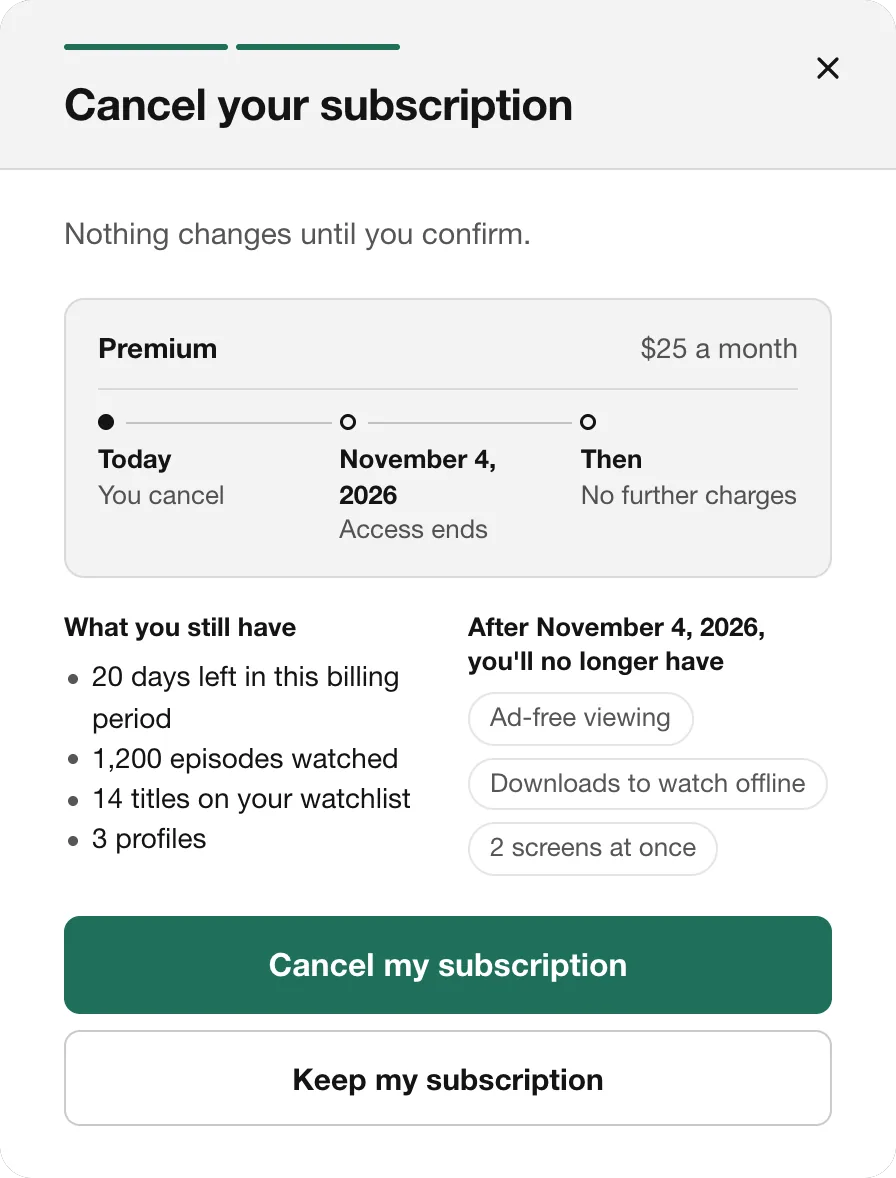
When access ends, what they still have, what they'll lose. Then two buttons of the same size, and one confirmation email.The last step: same size, same weightContinue to cancelKeep my subscriptionOne confirmation emailCancellation confirmed
- Access until
- Oct 25
- Further charges
- None
05
Exits no page can hide
Exits are repaired if a page hides them, and a one-step “Cancel now — skip the questions” button is on by default for every customer.What’s the main reason you’re leaving?
It’s too expensiveI’m not using it enoughIt’s missing features I needCancel now — skip the questionsOne-step cancel, on by defaultEvery customerNo forced questionsNo forced offerYour page faded the cancel button
Exit restored
The details
What’s in it.
- One script tag
- About 5 KB. The flow loads only when someone reaches for cancel.
- Hosted page
- No code: point your cancel link at it. It lives on Tenure's address, in your look.
- Mobile apps
- Packages for iOS, Android, React Native and Flutter.
- Your own screens
- Headless SDK; exits and terms stay fixed.
- Support agents
- The same decision over REST or MCP.
- Fails safe
- With the widget: Tenure can’t load? Your own cancel runs. Down mid-cancel? It checks again.
What setup needs
To start, no code
- An email address you can confirm. Tenure sends a 6-digit code when you sign up.
- Your Stripe or Chargebee API key, pasted in (for Stripe, a secret or restricted key).
- Your workspace starts in test mode: a live key lets Tenure draft from your real customers, and Tenure only reads with it until you switch to live; a test key works too, with test data.
- After you switch to live, Tenure changes billing only to carry out what a customer chose (an offer they accepted, or their cancellation), or a refund that an API key with the Runtime scope asks for, within your refund limit.
- Billing on your own backend? Tenure calls your billing service or sends it a signed webhook, for cancellations and the seat, add-on or pack offers your service supports. A pause, discount or plan change needs Stripe or Chargebee.
To switch to live
- Point your app’s cancel link or button at your Tenure page. No code needed. Or have a developer add the widget.
Later, optional
- Customer emails: your own Resend account and a verified sending domain. This may need DNS access, and Resend’s costs are separate.
- Check-ins when customers go quiet: usage events, or a connected source of last-active dates.
You can review your whole draft before installing anything.
Good to know
- There's no chat on the cancel screen, by design: listen, at most one offer, and a way out.
Questions about this part.
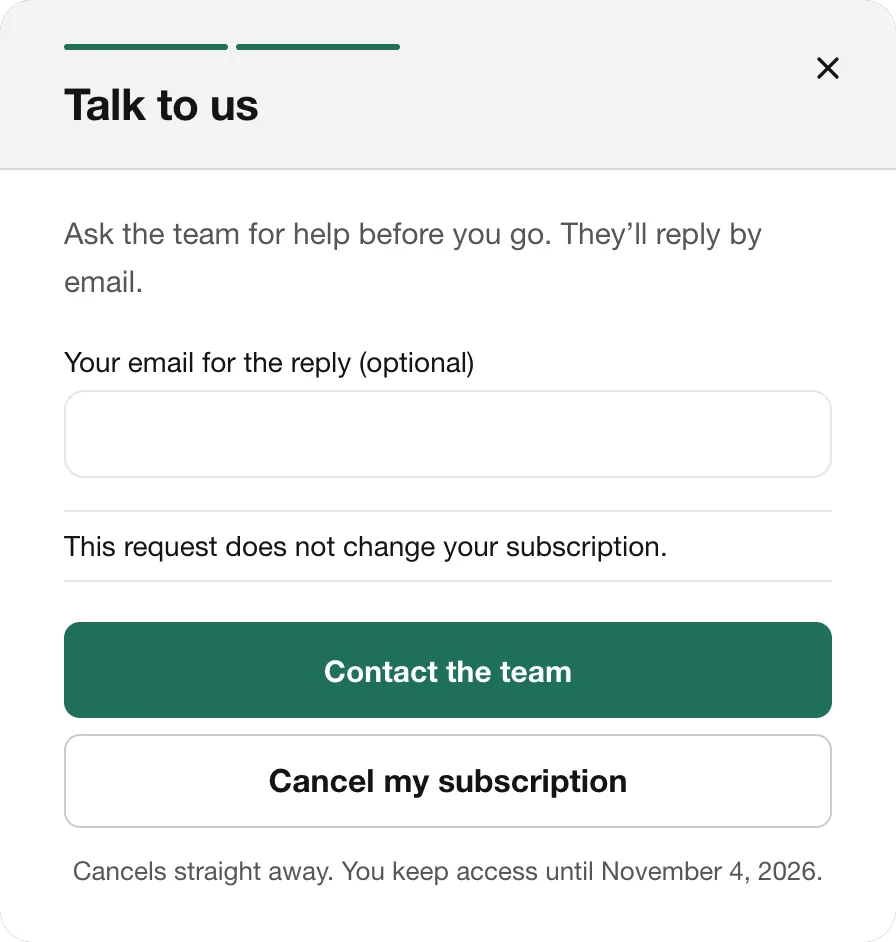
Something else? Talk to us.
Does every cancelling customer see an offer?
Does this help with click-to-cancel laws?
What happens if Tenure is down?
See the plan Tenure would draft for your app.
Your cancel flow, offers and emails, drafted from your site and billing.